
Benefits of AI for Students
- Save hours on homework and assignments
- Improve grammar and writing quality
- Generate study notes instantly
- Summarize lengthy textbooks
- Solve difficult math problems
- Learn programming faster
- Create presentations within minutes
- Improve research skills
- Prepare for exams efficiently
Remember, AI should support your learning—not replace your own understanding or violate your school’s academic integrity rules.
15 Best Free AI Tools for Students in 2026
1. ChatGPT

Best For: Homework help, explanations, brainstorming, writing assistance
One of the most adaptable AI assistants on the market is still ChatGPT. Students can ask questions, generate study guides, practice interviews, solve coding problems, and receive simplified explanations of difficult topics.
Free Features
- Essay outlines
- Study plans
- Subject explanations
- Coding assistance
- Language learning
- Brainstorming ideas
Pros
- Easy to use
- Covers almost every subject
- Excellent for learning concepts
2. Google Gemini

Best For: Research and Google Workspace integration
Gemini integrates seamlessly with Google Docs, Gmail, and Drive, making it ideal for students who already use Google’s ecosystem.
Free Features
- Research assistance
- Writing support
- Document summaries
- Brainstorming
3. Microsoft Copilot

Best For: Microsoft Office users
Students using Word, Excel, and PowerPoint can benefit from Copilot’s AI-powered writing and presentation assistance.
Features
- PowerPoint creation
- Excel formulas
- Essay drafting
- Email writing
4. Grammarly Free
Best For: Grammar and spelling correction
Grammarly helps students write professional assignments by correcting grammar, punctuation, and spelling mistakes.
Key Features
- Grammar checker
- Tone suggestions
- Spell checker
- Writing clarity improvements
5. QuillBot
Best For: Paraphrasing and rewriting
QuillBot helps students rewrite sentences while preserving the original meaning, making essays more polished and readable.
Features
- Paraphrasing
- Grammar checking
- Summarizer
- Citation generator
6. Perplexity AI

Best For: Academic research
Perplexity provides AI-generated answers with references, making it easier to verify information.
Why Students Love It
- Source citations
- Fast research
- Accurate summaries
- Follow-up questions
7. Notion AI
Best For: Organizing study notes
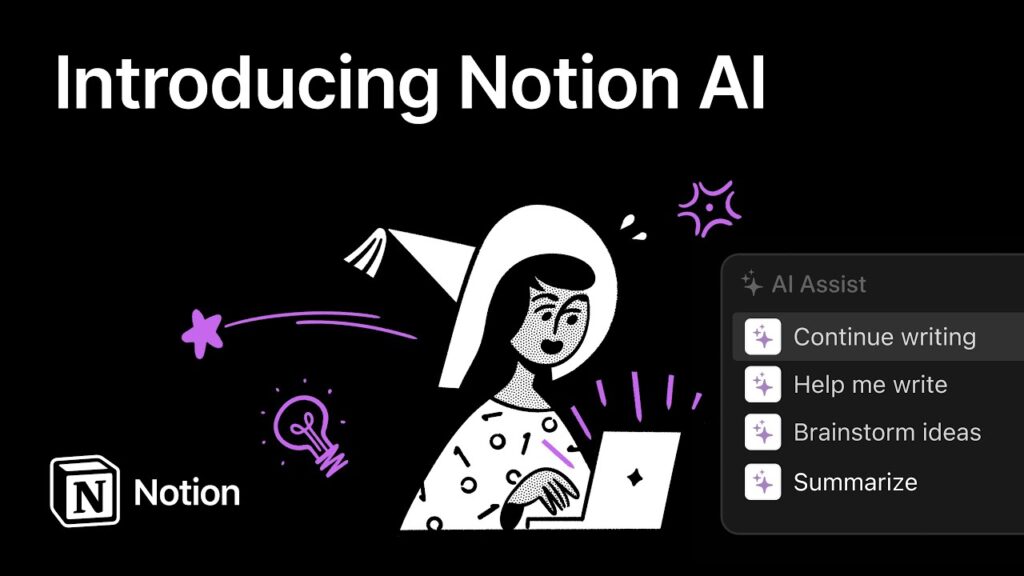
Notion AI helps students organize class notes, generate summaries, create to-do lists, and plan study schedules.
Features
- AI note summaries
- Study planner
- Flashcard ideas
- Task management
8. Canva AI

Best For: Presentations and projects
Canva’s AI features allow students to design beautiful presentations, posters, infographics, and resumes.
Features
- Magic Design
- AI image generation
- Presentation templates
- Poster creation
9. Khanmigo
Best For: Personalized learning
Powered by AI, Khanmigo provides tutoring in subjects like math, science, and history while encouraging critical thinking instead of simply giving answers.
10. Gamma
Best For: AI presentations
Gamma transforms prompts into professional presentations within minutes.
Features
- AI slide generation
- Modern templates
- Easy editing
- Interactive presentations
11. Photomath

Best For: Solving math problems
Students can scan equations using their phone camera and receive step-by-step solutions.
Best Subjects
- Algebra
- Geometry
- Calculus
- Statistics
12. Wolfram Alpha
Best For: Advanced mathematics and science
Ideal for engineering, mathematics, and physics students.
Features
- Equation solving
- Scientific calculations
- Graph generation
- Data analysis
13. GitHub Copilot (Free for Eligible Students)

Best For: Programming
Programming students can write better code, debug errors, and learn multiple programming languages faster.
Supports:
- Python
- Java
- JavaScript
- C++
- SQL
- HTML
- CSS
14. Otter.ai
Best For: Lecture transcription
Otter records lectures and converts speech into searchable notes.
Features
- Voice transcription
- Meeting summaries
- Searchable notes
- Collaboration
15. ElevenLabs Reader

Best For: Listening to study material
Students can convert PDFs, articles, and documents into natural-sounding audio, making studying more accessible while commuting or exercising.